
Module 13: Full Portrait Demo
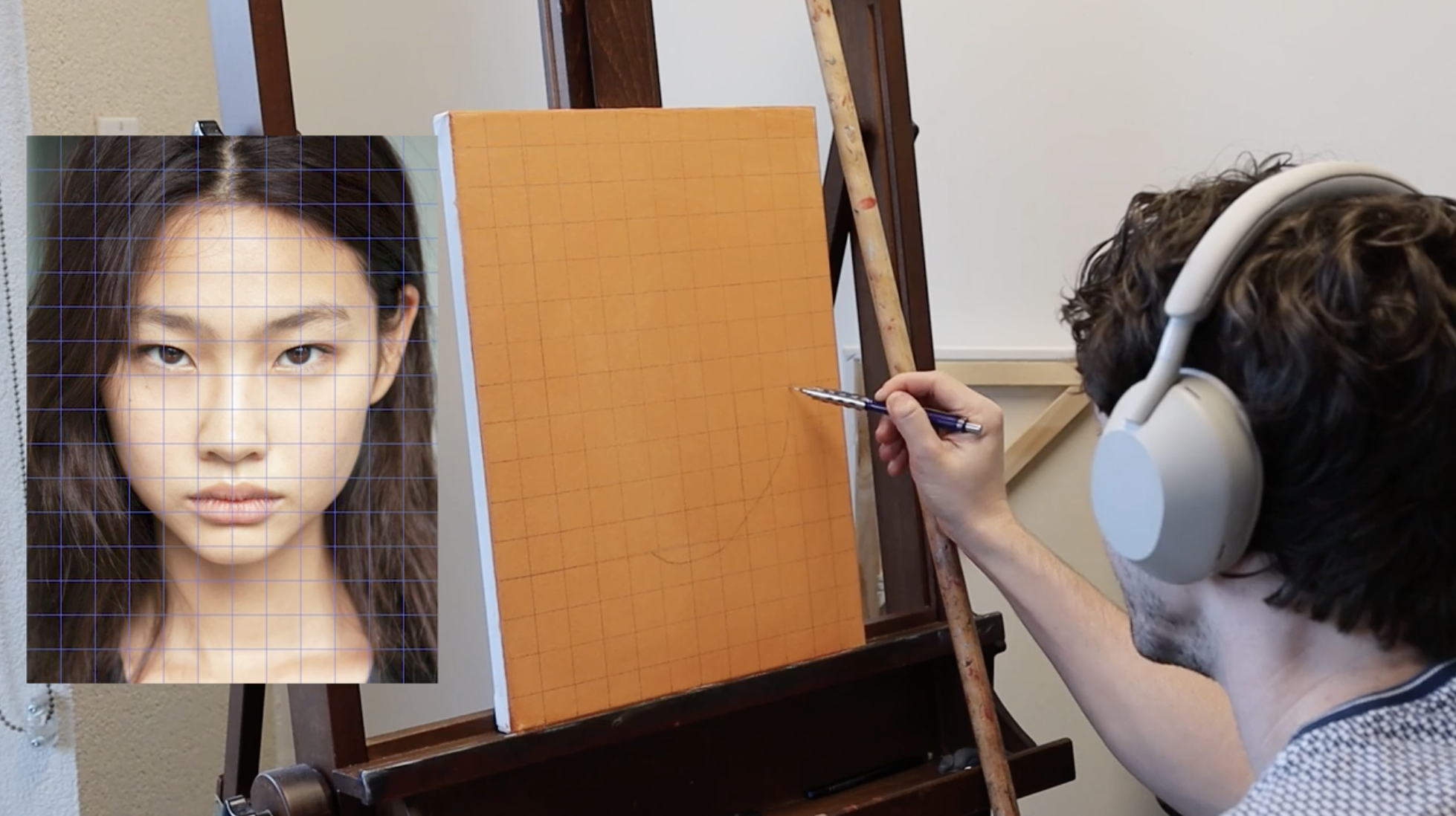
Initial Sketch & Background Tones
Sketching out the base portrait and blocking in the hair and background tones to set the foundation.
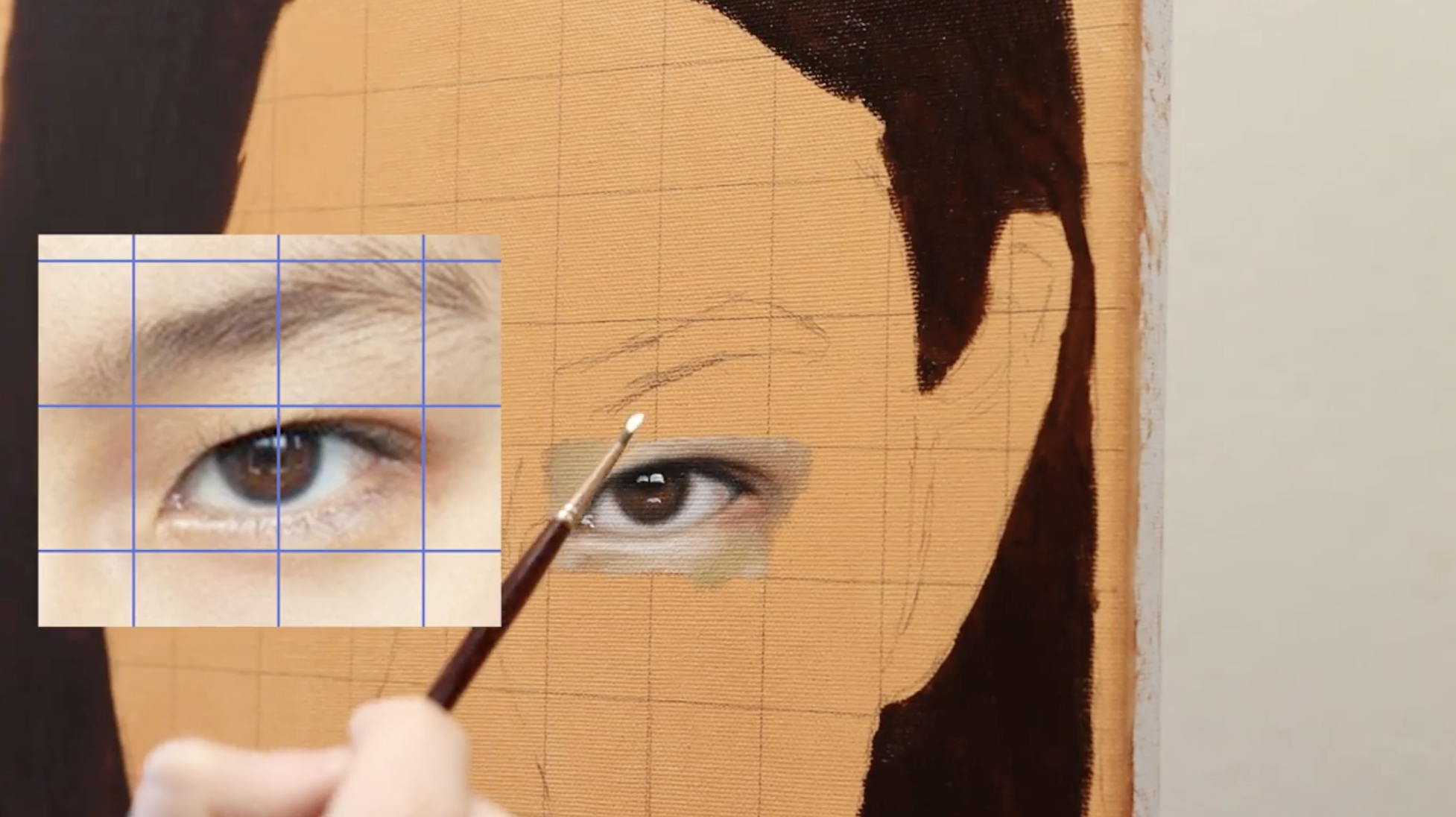
Rendering the Right Eye-Structure & Form
Developing the structure and form of the right eye, focusing on shape accuracy, value relationships, and edge control.
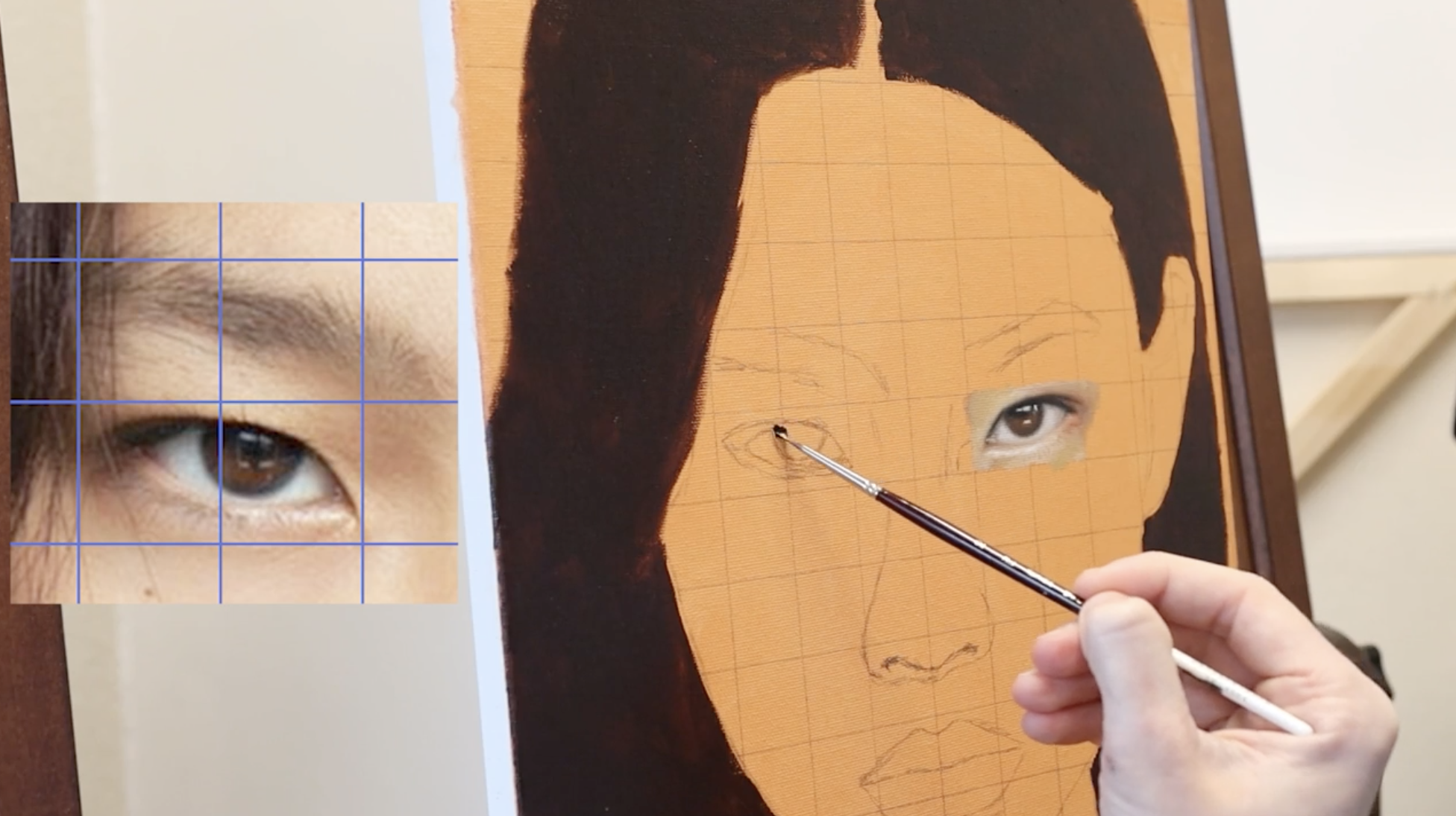
Rendering the Left Eye -Balance & Symmetry
Building the left eye to match the right, ensuring symmetry and cohesion while capturing subtle anatomical differences.
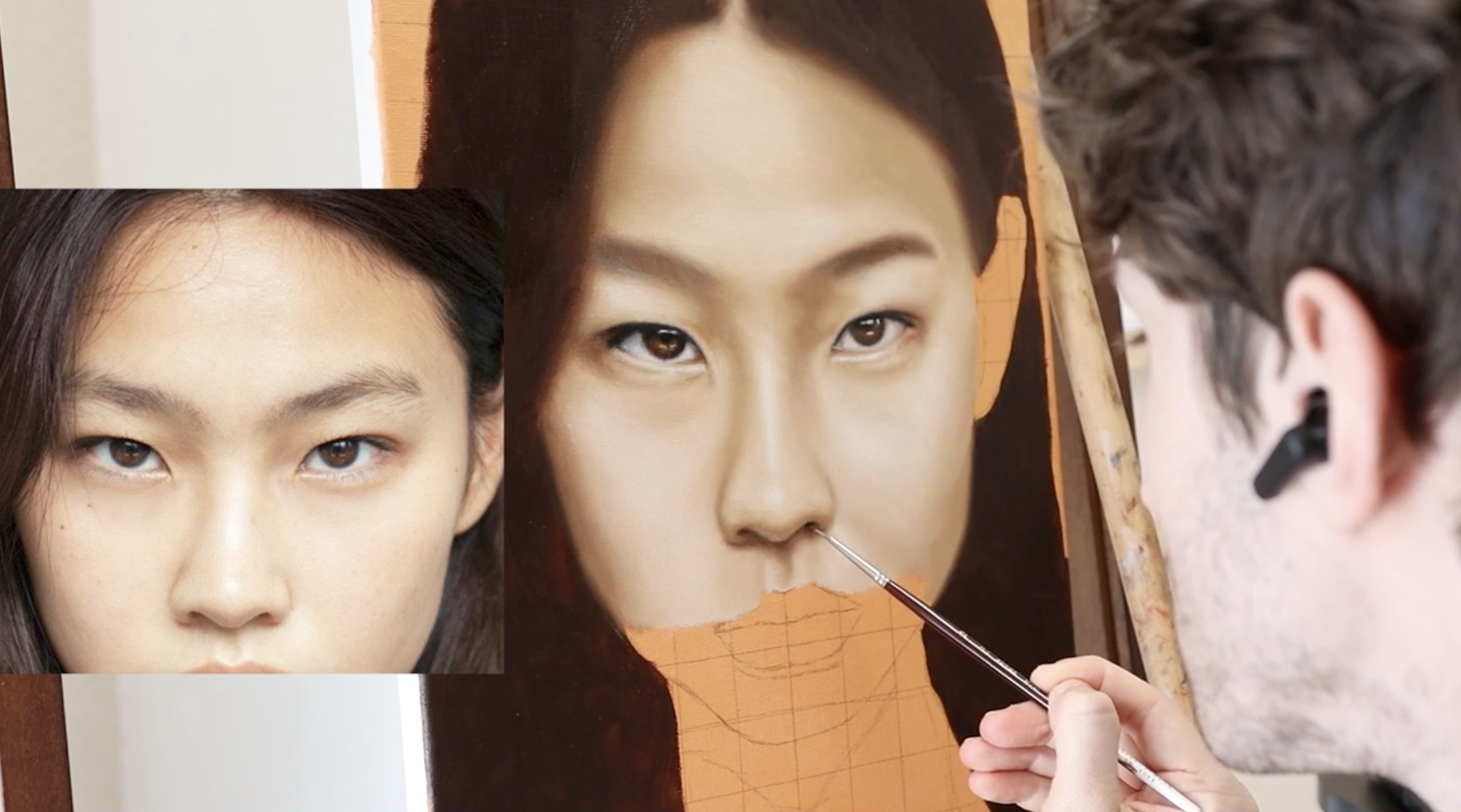
Nose & Midface Planes
Constructing the nose and surrounding facial planes with attention to light logic, proportion, and smooth transitions.
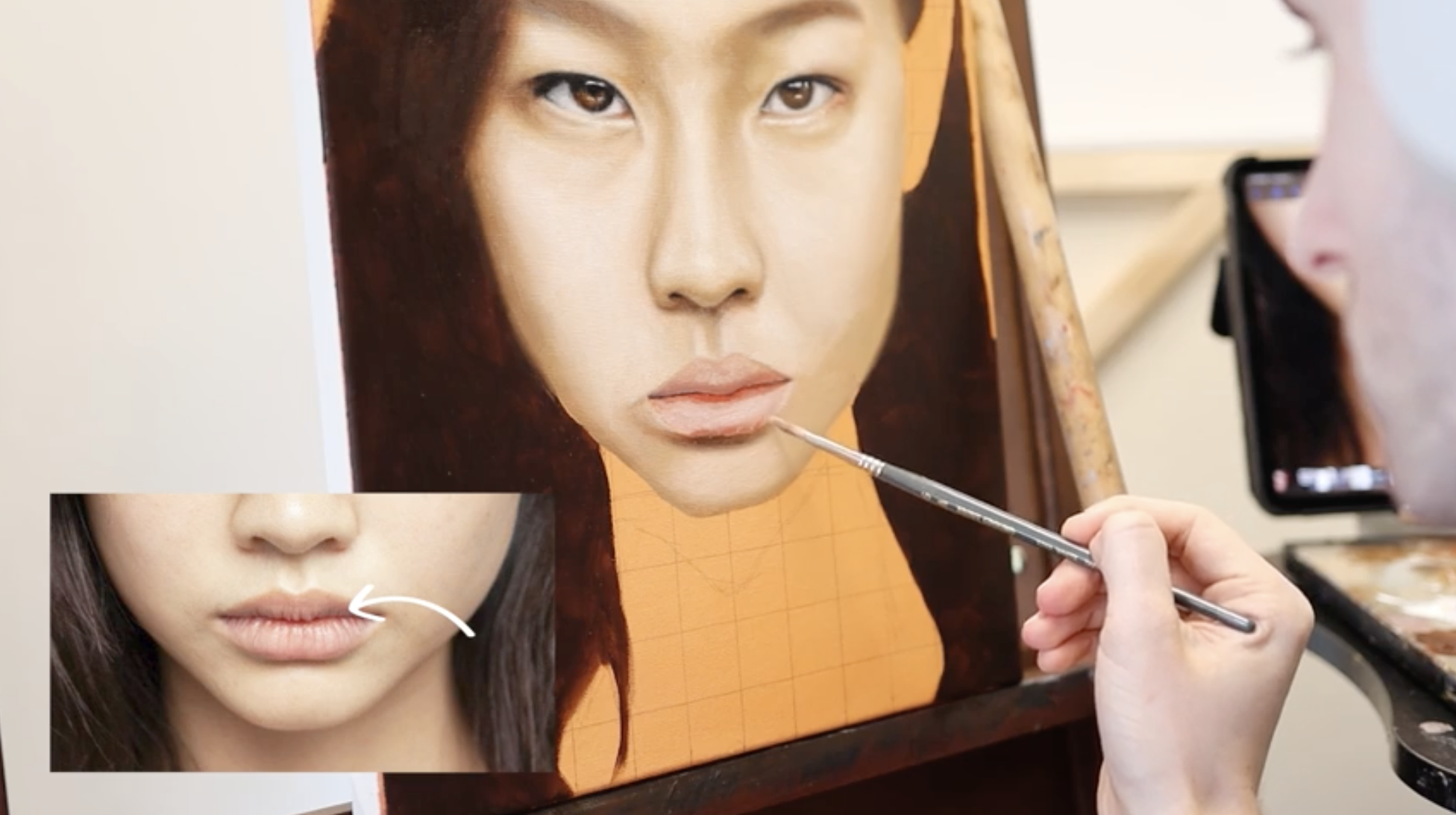
Lips & Skin - Foundational Layer
Blocking in the lips and nearby skin areas, establishing values and transitions in preparation for detail work.
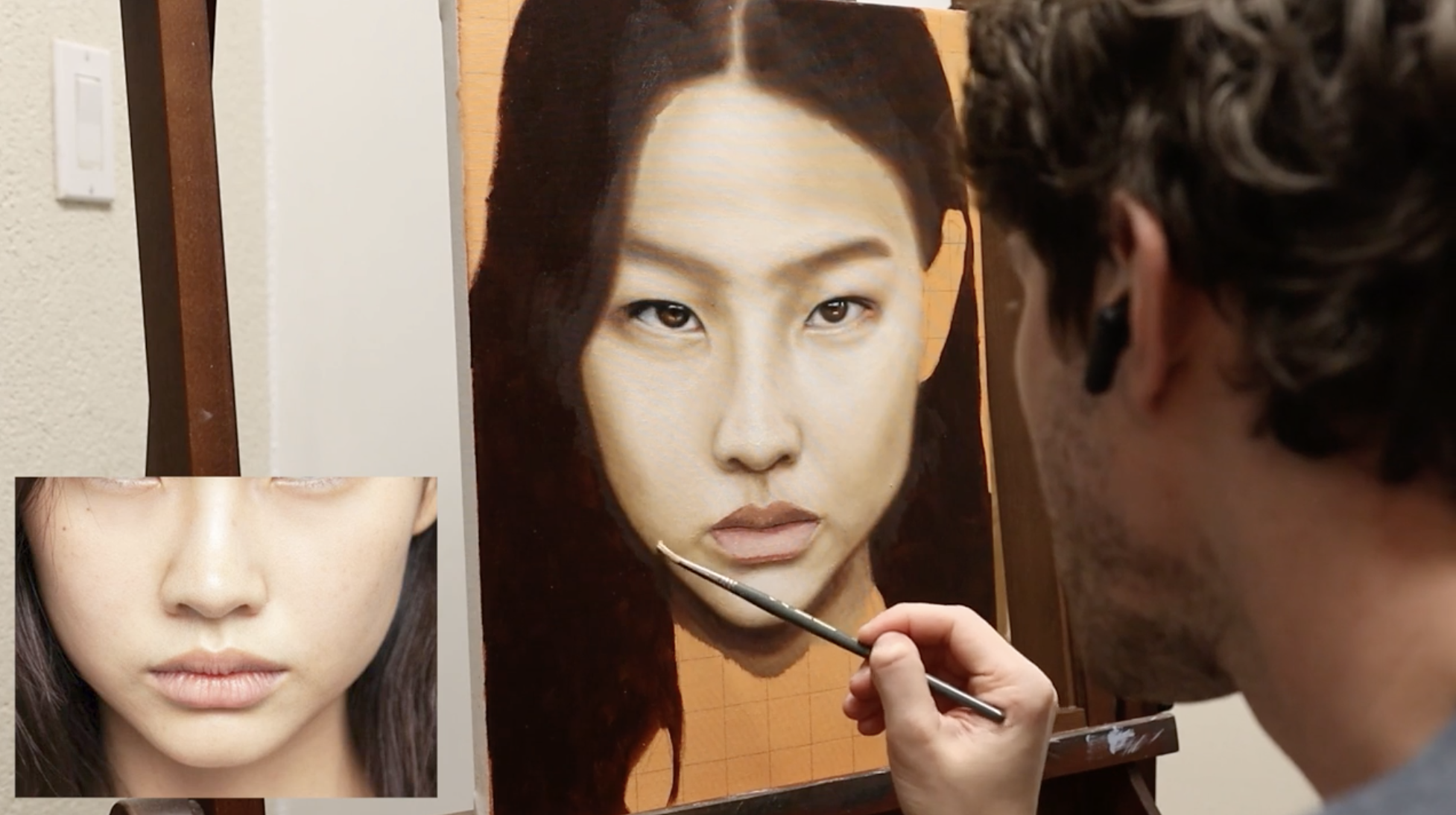
Lips & Skin - Overlays & Adjustments
Using Procreate to overlay your painting with the reference image, identifying proportional inaccuracies and making targeted adjustments. Also includes softening transitions and refining skin tone consistency.
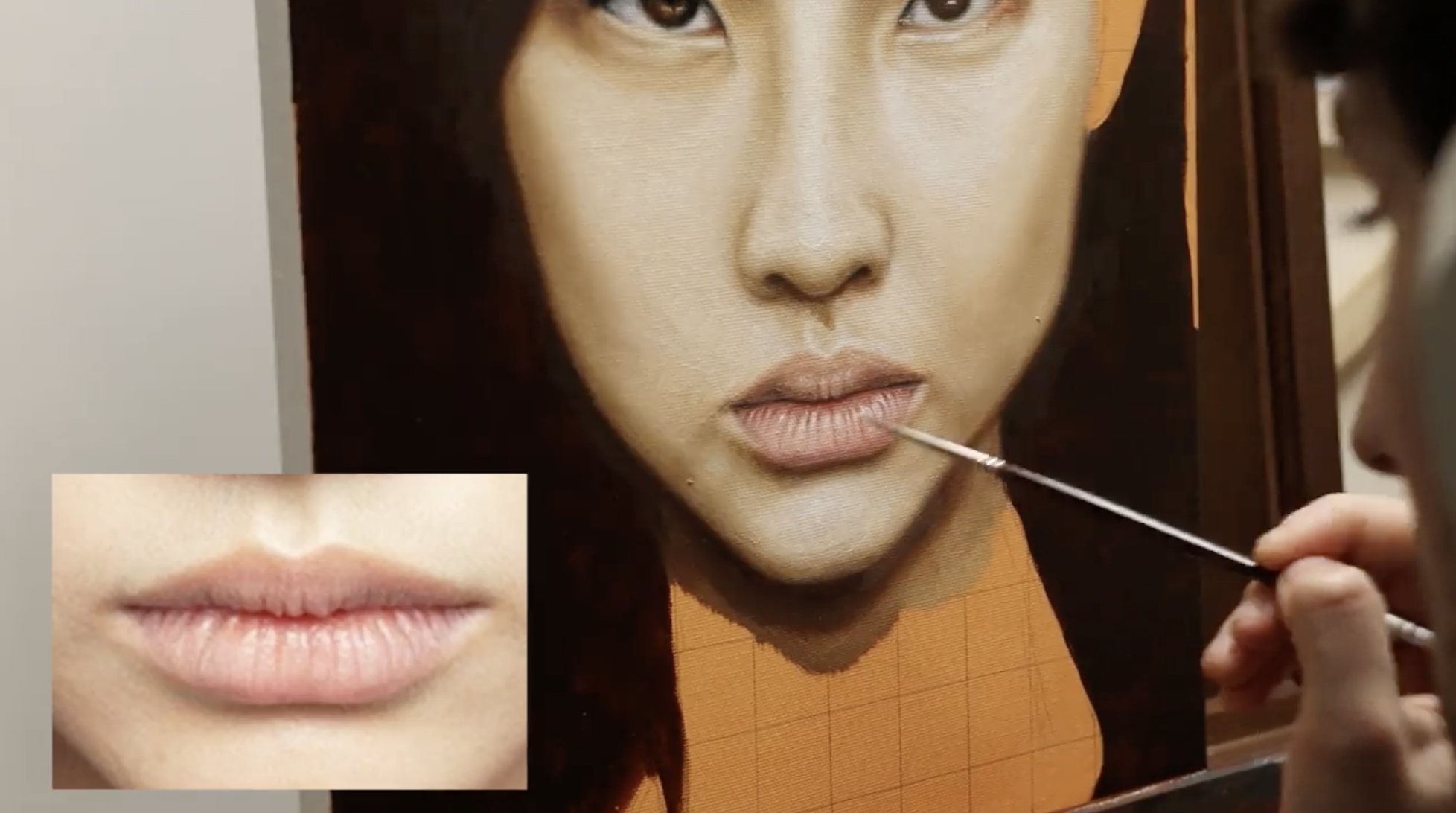
Lips & Skin – Refinement & Detail
Refining the lips and skin with crisp highlights, realistic creases, and texture to bring the mouth area to life.
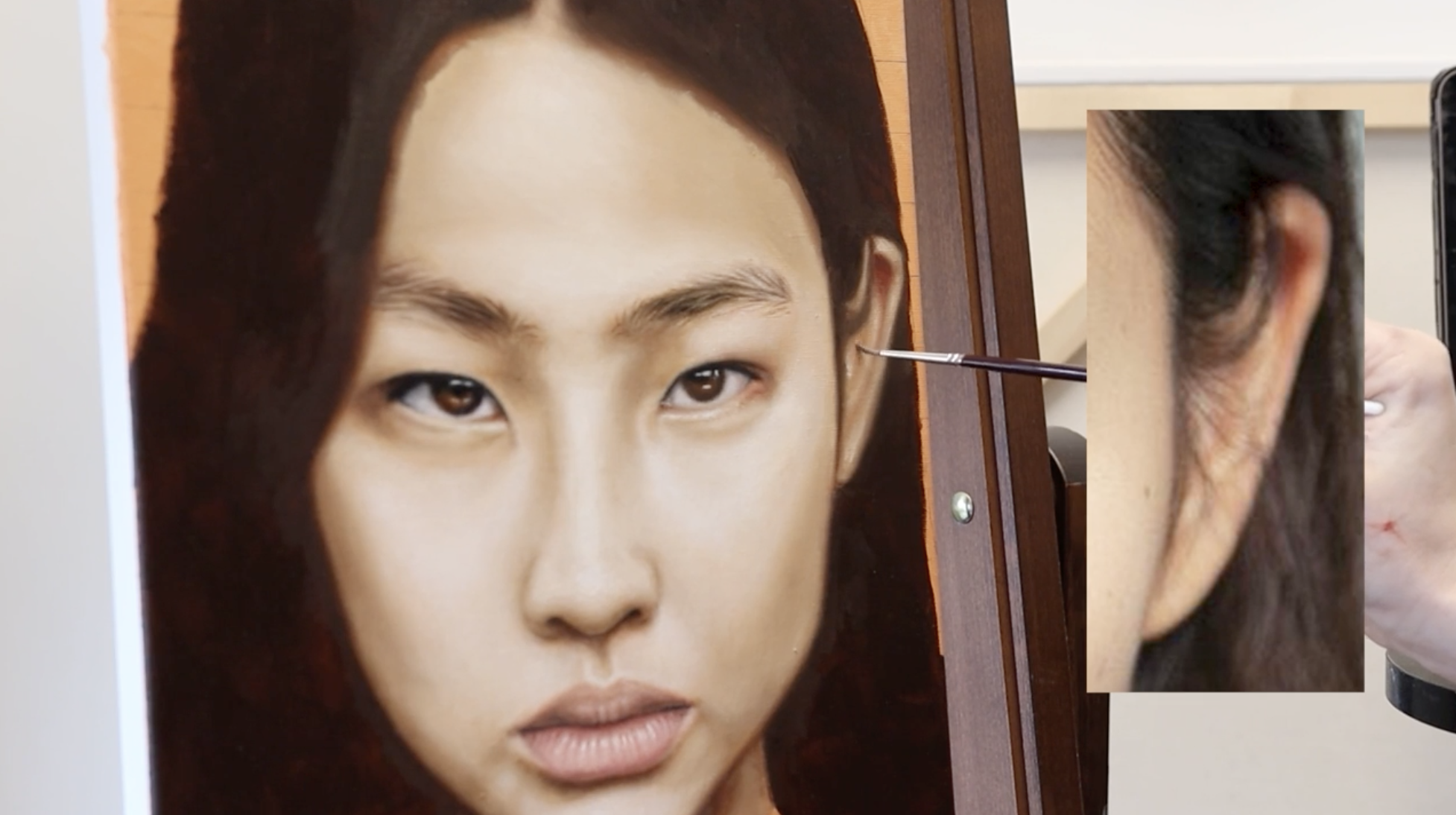
Shaping the Ear & Eyebrows
Rendering the ear and both eyebrows, focusing on structure, subtle curvature, and the contrasting textures of hair and skin.
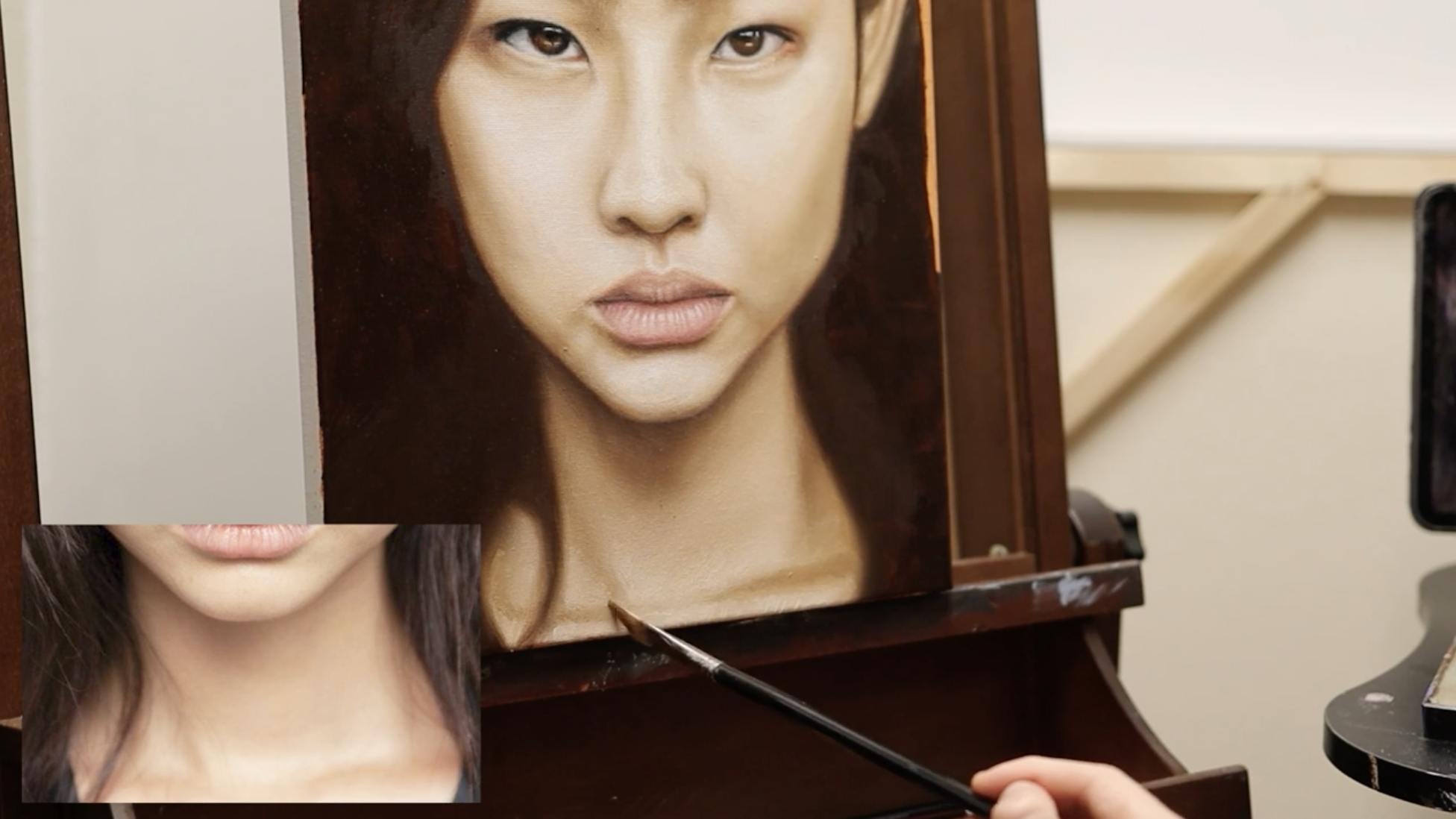
Modeling the Neck & Lower Jaw
Painting the neck and lower jaw area, paying close attention to surface texture, transitions, and how this region supports the head.
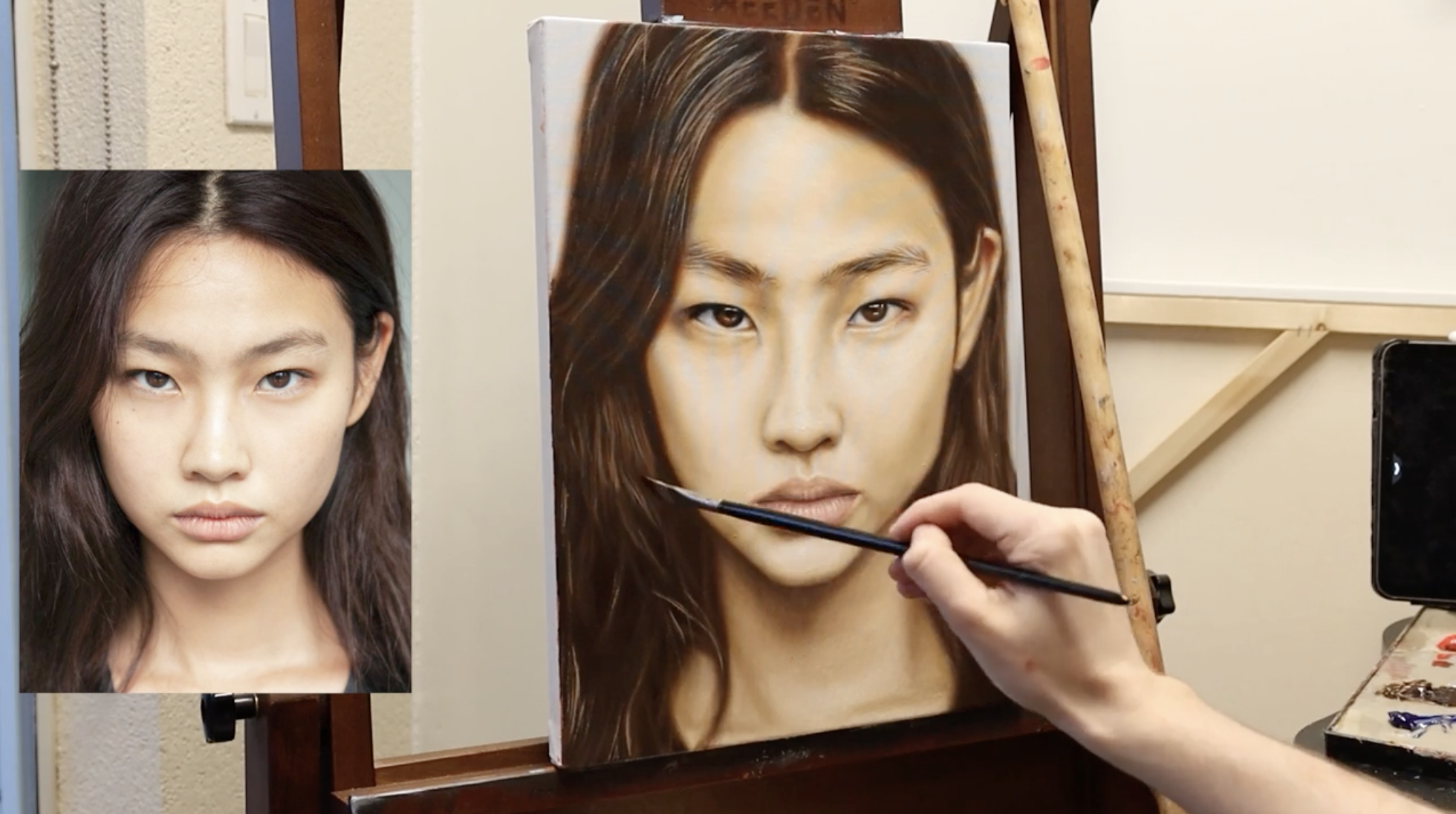
Painting Realistic Hair Textures
Completing the portrait with final hair work, polishing textures, and unifying the entire painting for a finished look.